How to Make a Built-in Entertainment Center
Design and Make a Custom Built-in Entertainment Center
Turn a bare alcove into a built-in entertainment center by designing and making a custom built-in entertainment center to suit your lifestyle, using economical off-the-shelf kitchen cabinets as the base.
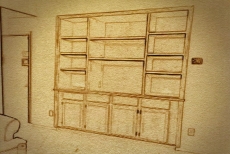
Draw a Rough Sketch
Draw a sketch of your entertainment center with doors and drawers in the base section and adjustable shelving above. Purchase stock kitchen cabinets from any home improvement center.
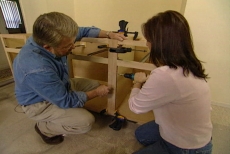
Screw Cabinets Together
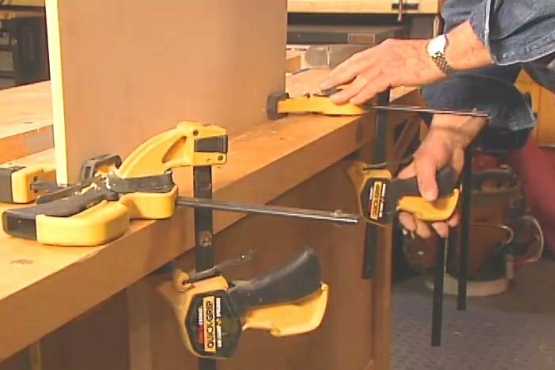
First clamp the cabinets together and then secure them with screws. Attach a filler strip on each end to conceal the space between the cabinets and the wall.
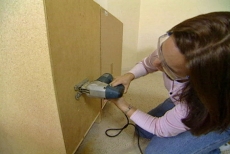
Cut Holes for Access to Electrical Outlets
Cut holes in the back and through the sides of the cabinet to allow access to the electrical outlets as well as the ability to run wires wherever you need them.
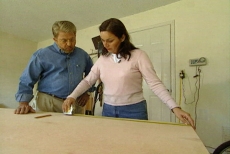
Measure, Cut and Install the Countertop
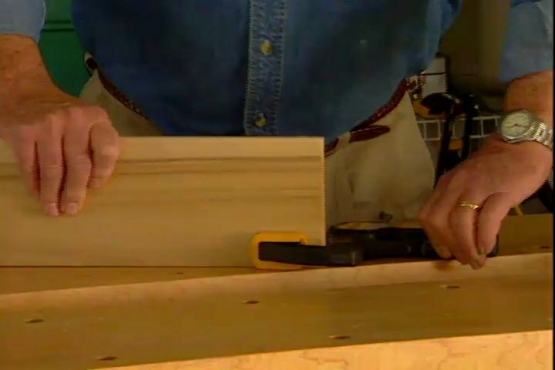
Measure for the countertop and transfer to a sheet of ¾ inch plywood. Cut with a circular saw and attach to the base. Cut a piece of 1 x 8 poplar with a notch, to fit around the corner and conceal the edge of the plywood.
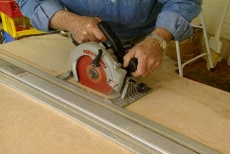
Prepare the Upper Portion of Entertainment Center
Using a circular saw and a clamp-on straight edge as a guide, cut the sides, bottoms and top from sheets of ¾ inch birch veneer plywood.
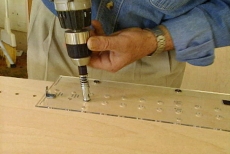
Drill Holes For the Pins Which Will Support the Shelves
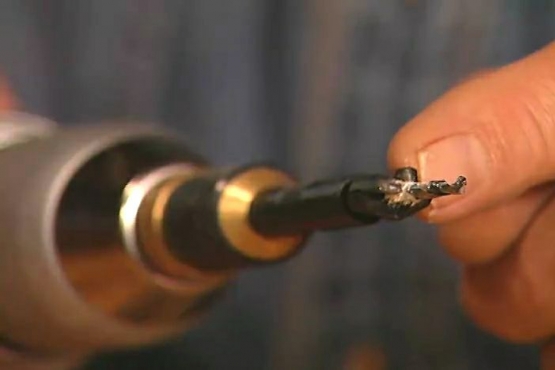
Measure and draw a baseline. Align and clamp a pre-drilled plastic template to the cabinet’s side. Drill a series of holes about two-thirds of the way through the wood. Repeat on all cabinet sides.
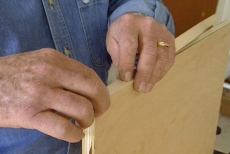
Conceal the Edges of the Plywood
Conceal the edges of the plywood by applying edge banding – a thing strip of wood with heat-activated adhesive backing. Trim and sand.
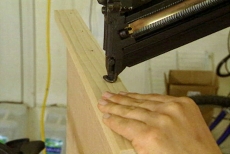
Finish the Shelve Edges
Face the edges of the shelves with a solid piece of 1 x 2 lumber. This will make the shelves more rigid and look thicker and more substantial.
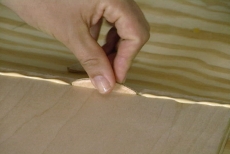
Assemble the End Section Using Biscuits
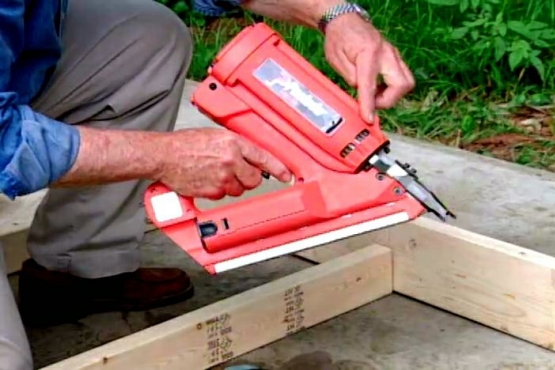
Position the end pieces together using wooden biscuits or splines, by cutting slots with a plate joiner, filling with glue and setting the biscuits inside. Apply more glue to the wood surface and press the pieces together. Nail the pieces together.
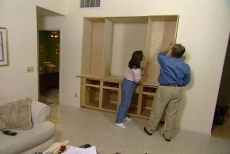
Complete Assembly Process
Repeat the assembly process for all three upper cabinets and assemble all the units. Secure cabinets together with screws.
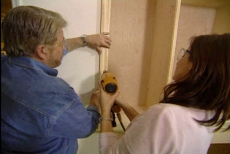
Cut and Apply Trim Strips and Molding
Secure cabinets together with screws. Cut and attach trim strips to the front edge of the cabinets to conceal the joint. Cut and attach molding or casing to the outside of the unit.
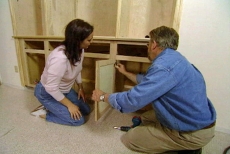
Finishing Touches
Mount the cabinet doors, install the drawers and set the shelves into position.
Related Tips
Blog Articles
Maximize Your Yield with DIY Netting for Strawberry Beds
Keep your strawberries safe from pests with our DIY strawberry cage netting solution. Learn how to create sturdy frames and find the best netting for your strawberry plants.
Change It Up: Swapping Out Your Light Switch Plates
Tired of boring light switch covers? Upgrade your home decor with this simple guide on replacing light switch plates and make a statement in every room.

Revamp Your Outdoor Space: How To Stencil A Concrete Patio
Learn how to create a stunning patterned concrete patio with our easy-to-follow instructions for stenciling. Upgrade your outdoor space in no time.